


Employees
Keep profiles, pay arrangements and payroll readiness.
Offline desktop payroll
Built for Fiji businesses.
Made to work on your computer.
Activate online once. Run payroll offline.
Real VitiDesk interface · sample company
Keep profiles, pay arrangements and payroll readiness.
Enter individual or bulk time.
Track annual, sick and other leave.

Generate and save individual or bulk payslips.
Create FRCS and FNPF files.
Review earnings, PAYE and FNPF, then finalise your pay run.
A complete desktop payroll solution for one Fiji company, on one licensed computer.
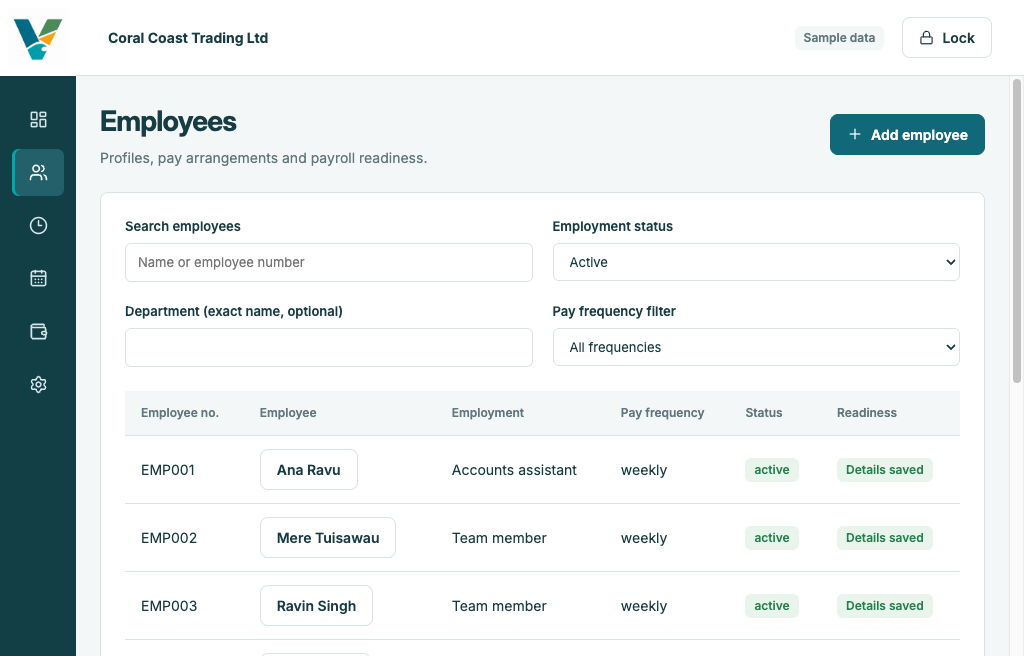
Your team, together
Keep your team in one place with clear employee profiles, pay arrangements and leave balances. Everything you need for payday, ready when you are.
Payroll, made clearer
Review earnings and deductions, calculate PAYE and FNPF, and finalise a pay run before saving payslips.
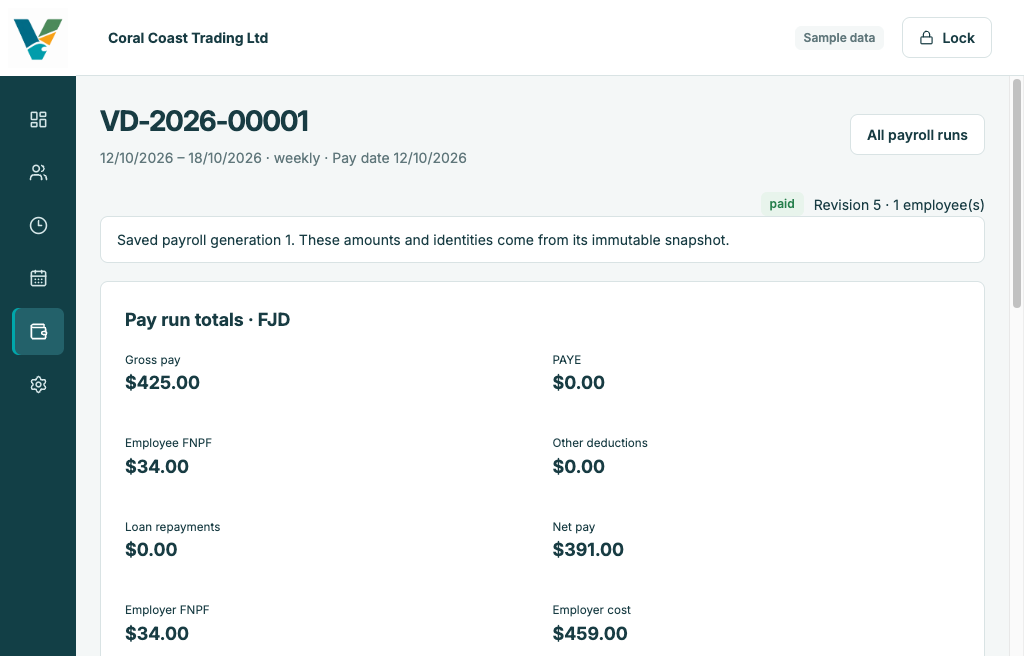
From setup to saved payslips
Add your company and employee details.
Add individual or bulk timesheets and manage leave.
Check earnings and deductions before finalising.
Save payslips, plus FRCS and FNPF export files.

Built for your next payday
One-time online activation. Everyday work offline.